%2520(2).png)

By:
Ali AhadLast Updated:
TL;DR
Data privacy regulations like GDPR, CCPA, and CJIS do not care about your infrastructure limitations; they simply demand compliance. However, for IT directors, legal teams, and law enforcement agencies, choosing the right video redaction software is often less about what the tool does and more about where the data lives.
The deployment model you choose dictates your security posture, your team's collaboration speed, and your long-term costs.
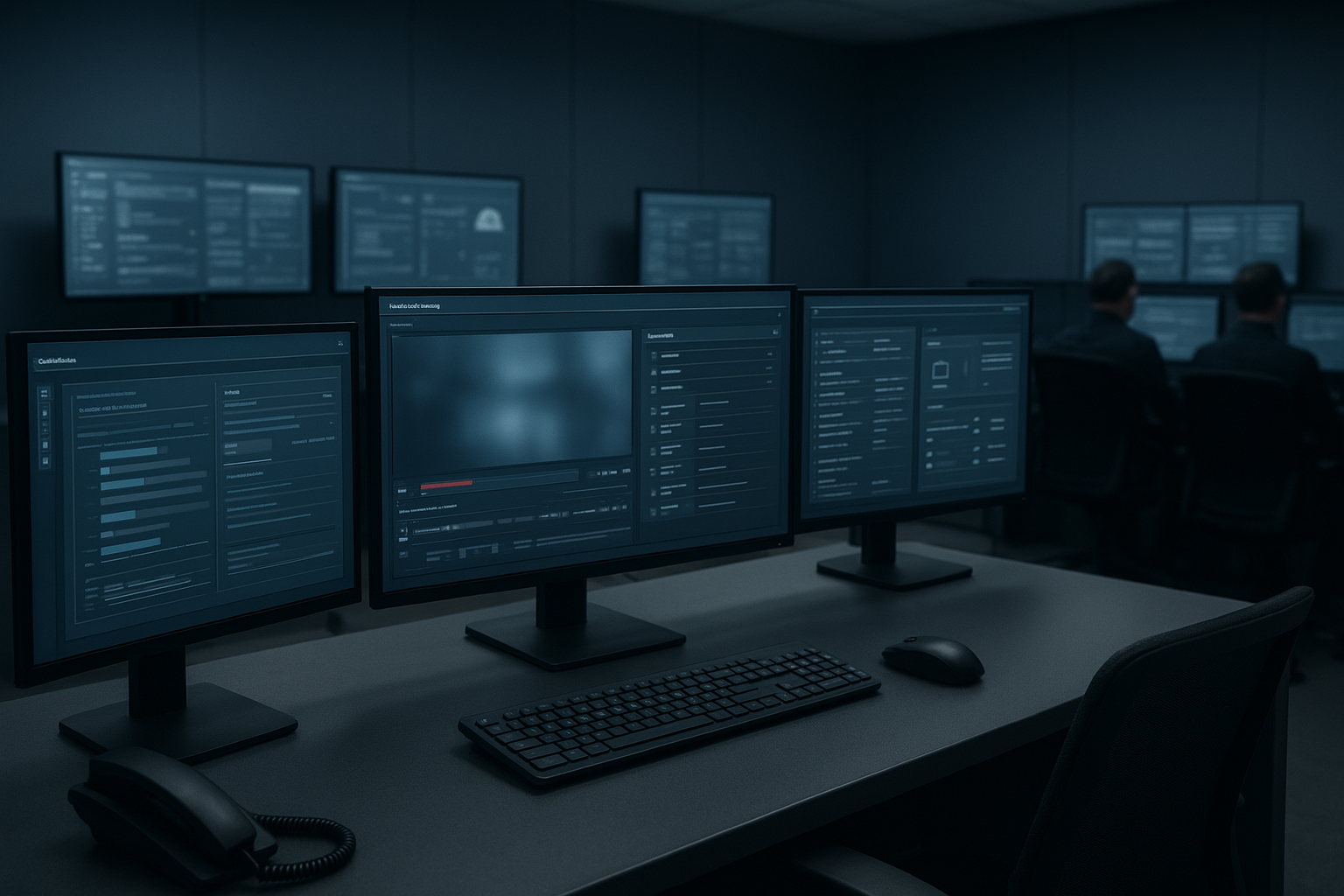
Making the wrong choice can lead to security bottlenecks, wasted budget, or compliance gaps. Sighthound Redactor is designed to be flexible, offering the same industry-leading AI capabilities across four distinct deployment models. In this guide, we will break down the differences, security trade-offs, and ideal use cases for each option to help you decide which architecture best fits your mission.
The Deployment Perspective and Why It Matters
Before examining the specific products, we must understand the strategic criteria that drive this decision. When an organization, whether a municipal police department or a Fortune 500 insurance firm, selects a redaction platform, they are balancing three competing forces:
- Data Sovereignty: Who owns the hardware where the data sits? For CJIS compliance, the data often cannot leave the agency's physical control.
- Latency & Throughput: How fast must the video be processed? Is it one hour of bodycam footage a week, or 10,000 hours of CCTV footage a day?
- Collaboration: Is this a solo task, or do multiple analysts need to review, edit, and approve the same piece of footage?
1. Redactor Desktop
The Concept
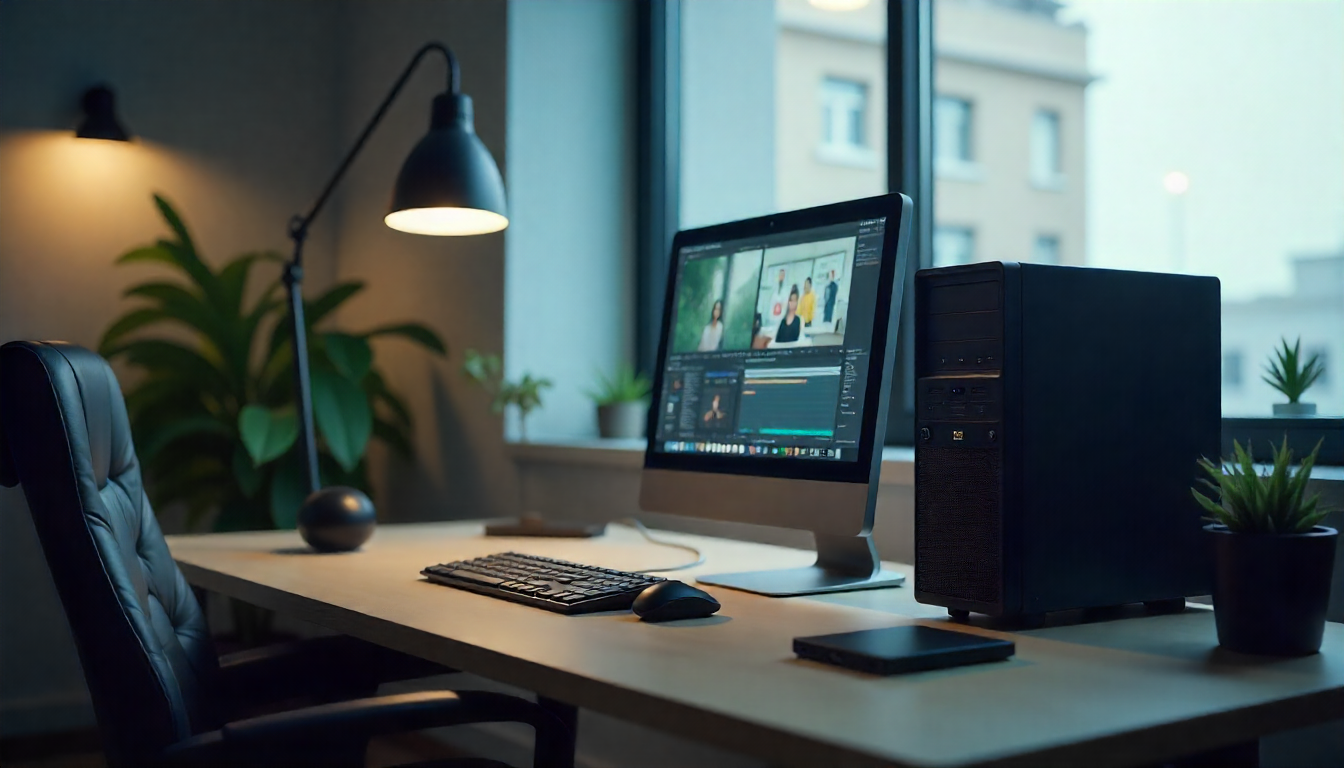
Redactor Desktop is the foundational entry point for many professionals. It is a standalone application installed locally on a Windows PC. It operates on a "single-seat" license model, meaning the software is tied to the machine (or user) it is installed on.
Architecture & Workflow
The architecture is simple: Local Input → Local Processing → Local Output.
There is no server to configure and no database to manage. You drag a video file from your hard drive into the application, the local CPU/GPU processes the AI detection, and the redacted file is saved back to your hard drive.
- Zero Latency: Because the file doesn't travel over a network, there is no upload/download time.
- Air-Gapped Security: This version does not require an internet connection to function. It can be installed on a machine that is physically disconnected from the outside world.
Ideal User Personas
- The Private Investigator: A solo operator handling case-by-case files who needs to redact a surveillance clip for a client.
- Small Law Firms: An attorney or paralegal expert who needs to quickly scrub a deposition video before court.
- School Districts: A principal or admin who needs to redact a hallway incident video to protect student privacy before showing it to parents.
Technical Considerations
To get the most out of Desktop, hardware matters. While it runs on standard CPUs, AI performance is significantly boosted by NVIDIA GPUs.
- Minimum: 8GB RAM, Modern Multi-core Processor.
- Recommended: 16GB+ RAM, NVIDIA RTX Series GPU.
2. Redactor On-Premise (Enterprise)
The Concept
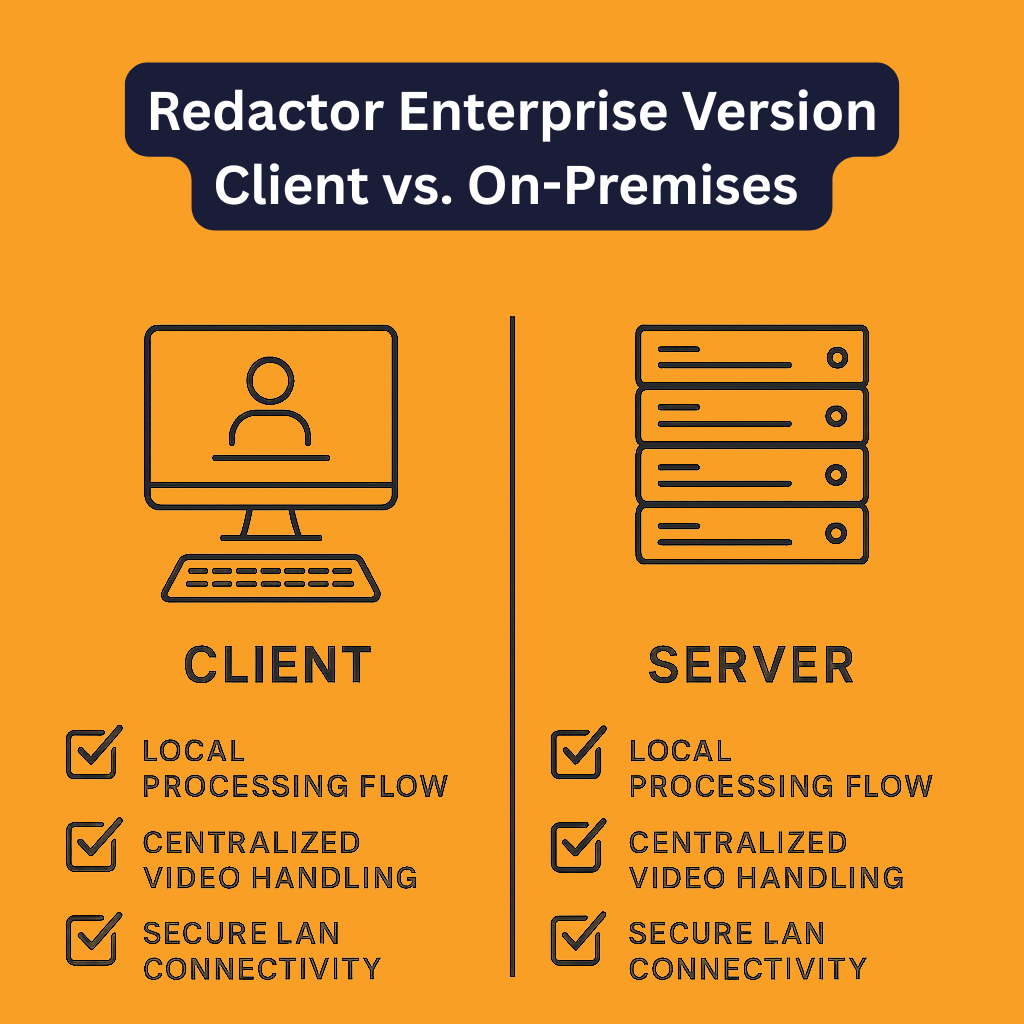
When a team grows beyond one or two people, the Desktop model breaks down. Passing USB drives between desks is a security risk and a version-control nightmare. Redactor On-Premise (Enterprise) solves this by utilizing a Client-Server architecture.
Architecture & Workflow
You install the Redactor Server software on your organization's internal hardware (a physical server or a VM in your data center).
- The Server: Handles the heavy lifting. It runs the AI models, processes the video, and manages user accounts.
- The Client: A lightweight application installed on users' laptops. It connects to the server over your Local Area Network (LAN).
When a user opens a video, the heavy processing happens on the server, not their laptop. This means an analyst with a modest laptop can process 4K video seamlessly because the server is doing the work.
Ideal User Personas
- Law Enforcement Agencies (PDs/Sheriffs): Departments with strict CJIS mandates requiring evidence to never leave the building.
- Hospitals: HIPAA compliance often dictates that patient data remain on internal servers.
- Transit Authorities: Managing massive volumes of bus/train footage that are too large to upload to the cloud.
3. Redactor Private Cloud: Scalability Meets Control
The Concept
This is the most misunderstood category. Often, when vendors say "Cloud," they mean "SaaS" (Software as a Service), where you upload your video to their website, and they process it.
Sighthound Redactor Private Cloud is different.
It allows you to deploy the Redactor Server software into your own private cloud instance (AWS, Microsoft Azure, or Google Cloud Platform). It is essentially the "On-Premise" software, but installed on a virtual machine in the cloud rather than a physical box in your basement.
Architecture & Workflow
You spin up a GPU-enabled instance (like an AWS EC2 g4dn instance). You install the Redactor Server container (Docker) on that instance.
- Accessibility: Your team can access the redaction server from anywhere in the world via a secure VPN or IP-whitelisted connection.
- Data Security: Sighthound does not host the data. The data lives in your Amazon S3 bucket or Azure Blob storage. You retain the encryption keys.
Ideal User Personas
- Distributed Teams: A global investigation firm with analysts in London, New York, and Singapore who all need to access the same system.
- Agencies with "Cloud-First" Mandates: Many government entities are moving away from owning data centers and moving toward GovCloud implementations.
- Consultancies: Firms that need to spin up a powerful redaction server for a 3-month legal discovery project and then shut it down to save money.
4. Redactor API The Workflow Accelerator
The Concept
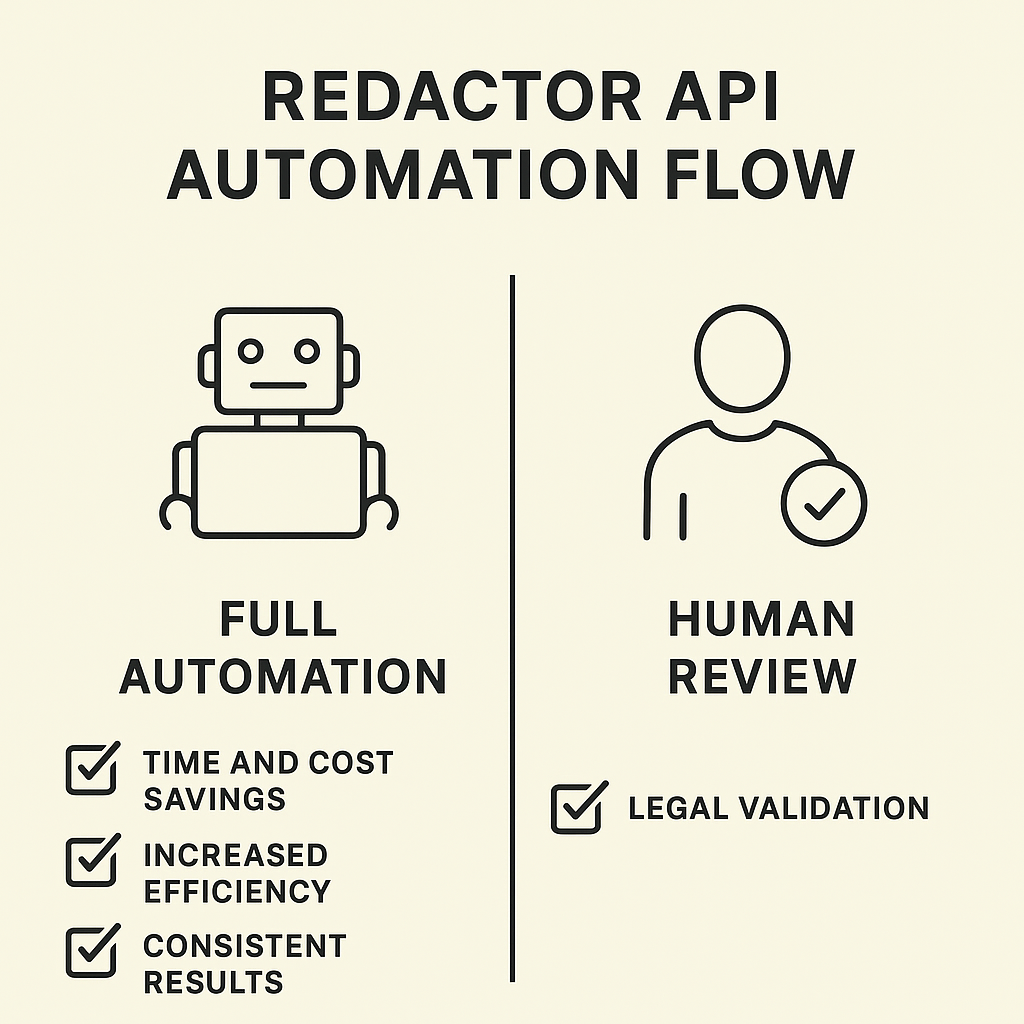
For some organizations, the volume of video is so high that using a graphical user interface (UI) to open files one by one is impossible. The Redactor API allows developers to interact with the Redactor engine programmatically. It is a "headless" solution.
Architecture & Workflow
The API is typically deployed via Docker Containers. It integrates into your existing software stack.
- The Workflow: Your system sends a video file and a JSON configuration (e.g., "Redact all faces and license plates") to the API endpoint.
- The Process: The API processes the video in the background.
- The Result: The API returns the redacted video and/or the metadata coordinates of the detected objects.
Use Case: The "Watch Folder" Automation
Imagine a police department where officers dock their body cameras at the end of a shift.
- The video is uploaded to a server.
- A script detects the new file and sends it to the Redactor API.
- The API automatically blurs all bystander faces.
- The redacted copy is saved to the archive.
Result: The video is 90% pre-redacted before a human analyst ever looks at it.
Ideal User Personas
- Software Developers (OEMs): Companies building Digital Evidence Management Systems (DEMS) who want to add redaction features to their own product.
- Large Enterprises: Call centers recording thousands of video calls that need PII (Personal Identifiable Information) scrubbed automatically.
- Massive Archival Projects: A news organization needing to process 50 years of archive footage for public release.
Selecting the Best Option
To help you decide, let's compare these four options across the most critical business vectors.
1. Cost Structure (CAPEX vs. OPEX)
- Desktop: OPEX (Low). Simple annual license. No hardware cost if you have existing PCs.
- On-Prem: CAPEX (High) + OPEX. You buy the server (Capital Expenditure) and pay for the software license (Operating Expenditure). However, long-term TCO (Total Cost of Ownership) can be lower for high volumes.
- Private Cloud: OPEX (Variable). You pay for the software license + monthly cloud usage. Costs scale with usage.
- API: Volume-Based. Usually priced based on the volume of data processed or the number of concurrent processing nodes required.
2. Implementation Time
- Desktop: Immediate. Download, install, activate. (Time: < 1 Hour)
- On-Prem: Moderate. Requires IT to provision a server, install Docker/OS, and configure networking. (Time: Days to Weeks)
- Private Cloud: Moderate/Fast. If you have cloud infrastructure ready, spinning up the instance is fast. (Time: Days)
- API: Slow/Complex. Requires coding, testing, and integration into your app. (Time: Weeks to Months)
3. Security & Compliance Profile
- Desktop: High. Data never leaves the device. excellent for highly compartmentalized secrets.
- On-Prem: Very High. The gold standard for CJIS. Data never leaves the secure facility.
- Private Cloud: High. Secure, provided your cloud configuration (firewalls, encryption) is set up correctly.
- API: Variable. Depends entirely on how your developers secure the data pipeline surrounding the API.
Which One Are You?
If you are still on the fence, look for your organization in the list below.
Choose Desktop if:
- You are a team of 1–3 people.
- You have a limited budget.
- You work on air-gapped machines (no internet).
- You need to redact a file right now.
Choose On-Premise (Enterprise) if:
- You are a government agency or police department.
- You have strict mandates that data must reside on physical hardware you own.
- You have an internal IT team to support the server.
- You have 5+ analysts who need to collaborate.
Choose Private Cloud if:
- Your team is remote or distributed across multiple offices.
- You have a "Cloud First" IT strategy.
- You want the power of a server without maintaining physical hardware.
- Your workload is "spiky" (e.g., you need massive power for one month during a big case, then low power for the rest of the year).
Choose API if:
- You are building a software product.
- You have 1,000+ hours of video to process and cannot afford manual labor.
- You want to create "watch folders" or automated workflows.
Hybrid Deployments Combining Strengths for Maximum Impact
Advanced organizations often realize they don't fit into just one box. Sighthound Redactor's ecosystem allows for Hybrid Deployments.

Example 1: The "Triage" Model (API + Desktop)
A police department uses the API to automatically blur faces on all bodycam footage as it is ingested into storage. This creates a "privacy-safe" layer for general viewing. When a specific video is requested for court, an investigator pulls that pre-redacted file into Desktop to fine-tune it, unblurring the suspect and ensuring absolute precision.
Example 2: The "Hub and Spoke" Model (On-Prem + Private Cloud)
A national agency keeps its highly sensitive, top-secret data on an on-premises server in HQ. However, for routine FOIA requests that don't involve national security, they utilize a Private Cloud instance to allow remote clerks to process the requests faster without accessing the secure internal network.
Technical Requirements Summary
To prepare your IT team, here is a quick snapshot of what is needed for the server-based solutions (On-Prem, Cloud, and API):
- Operating System: Ubuntu 18.04/20.04 LTS (Preferred for Docker), or Windows Server with WSL2.
- Containerization: Docker & Docker Compose.
- GPU (Critical): NVIDIA GPU with CUDA support (e.g., Tesla T4, A10, or RTX series). Note: CPU-only processing is possible but significantly slower.
- Storage: SSD storage is highly recommended for reading/writing high-bitrate video streams.
Conclusion
Choosing between Desktop, On-Premise, Private Cloud, and API is not about finding the "best" version of Redactor; it is about finding the version that mirrors your organization's DNA.
- Desktop offers autonomy.
- On-premises offers control.
- Private Cloud offers flexibility.
- API offers scale.
Want to learn more about AI-powered redaction & digital content compliance?Try Sighthound Redactor today.
Want more insights? Read our AI-powered redaction best practices.Need a live demo? Schedule a Redactor demo now.
Published on: