.png)

By:
Ali AhadLast Updated:
TL;DR
A patient filed a complaint and is demanding video evidence. Learn the step-by-step workflow to preserve, redact, and release surveillance footage without violating HIPAA. For healthcare security directors and compliance officers , few notifications trigger immediate urgency like a formal patient complaint accompanied by a legal demand for surveillance footage .
For healthcare security directors and compliance officers, few notifications trigger immediate urgency like a formal patient complaint accompanied by a legal demand for surveillance footage. Whether it involves a slip-and-fall in the waiting room, a dispute over staff conduct, or an allegation of security negligence, the clock immediately starts ticking. You need to be transparent to resolve the issue or defend your staff, but handing over raw video files can create a legal nightmare.
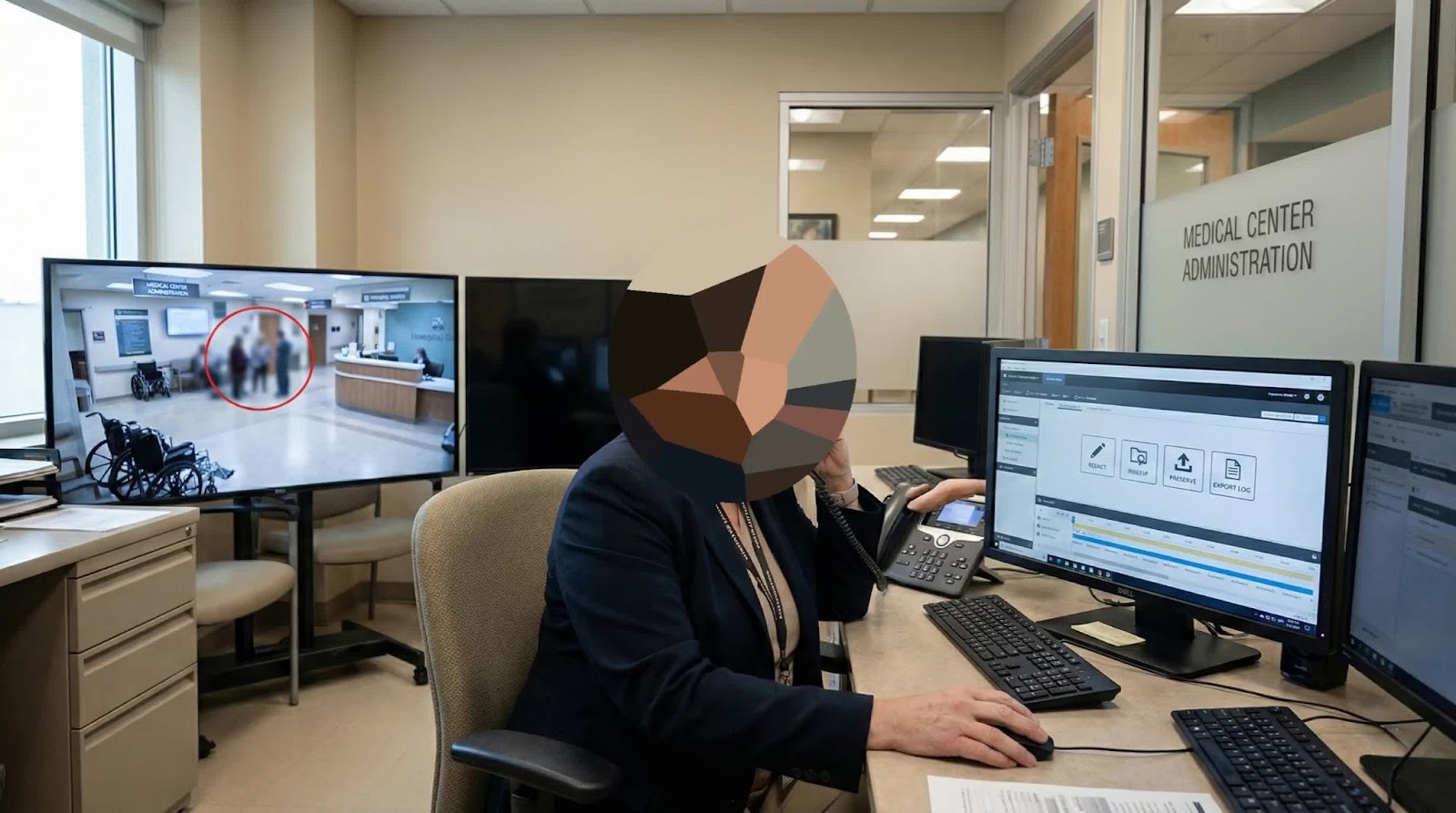
Releasing raw security video without proper processing is often a direct violation of HIPAA regulations in the US, or GDPR in Europe. However, refusing to release the footage can be interpreted as "information blocking," a lack of transparency, or even an admission of guilt during litigation. So, how do you balance the duty of transparency with the mandate of privacy?
Let’s look into handling video evidence after a complaint from immediate data preservation to the precise redaction required to release footage safely and compliantly. We will explore the legal nuances, the technical challenges of modern NVR systems, and how AI-powered tools like Sighthound Redactor are changing the standard of care for digital evidence.
Immediate Preservation of Evidence
The moment a complaint hits your desk or even a verbal report of an incident reaches the security office of your first move must be preserved. In the world of digital evidence, inaction is indistinguishable from destruction.
Understanding the Overwrite Cycle
Most healthcare facilities utilize Network Video Recorders (NVRs) or Digital Video Recorders (DVRs) that operate on a "loop recording" basis. To save storage space, these systems automatically overwrite the oldest footage with new data once the hard drive reaches capacity. Depending on your facility’s resolution settings and storage budget, this retention window might be as short as 14 to 30 days.
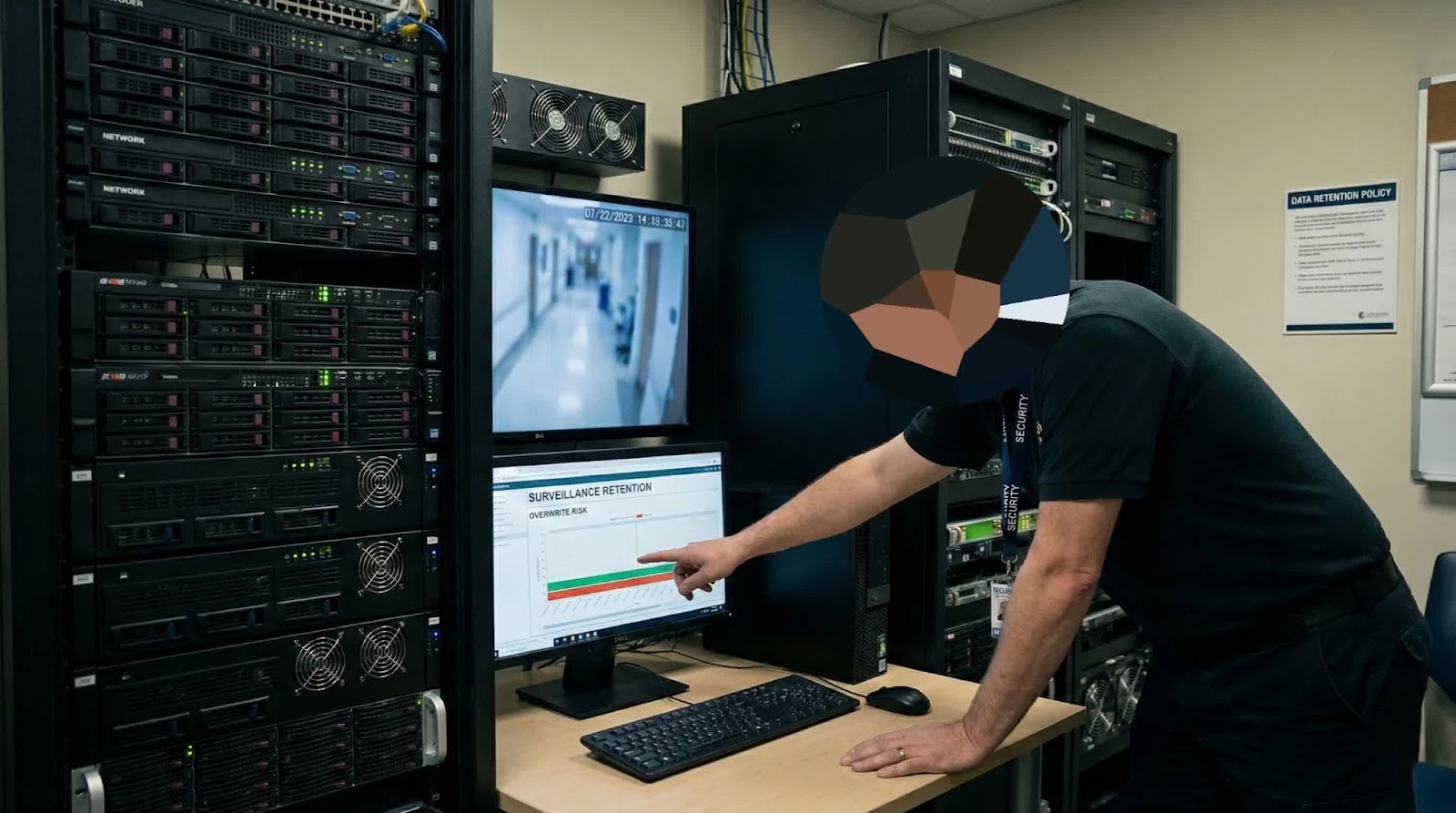
If a patient waits three weeks to file a complaint about a fall, you may have less than a week or mere days before that critical evidence is permanently erased.
The Risk of Spoliation
"Spoliation of evidence" is a legal term referring to the destruction or alteration of evidence that is relevant to current or reasonably foreseeable litigation. If your system overwrites footage of an incident after you have been notified of a complaint, the courts may issue a "spoliation inference."
The Preservation Workflow
To avoid this catastrophic error, implement a "Lock Down" protocol immediately upon receiving a complaint:
- Identify Scope: Determine the exact location, date, and time of the alleged incident. Be generous with the time frame; if the incident occurred at 2:00 PM, preserve footage from 1:30 PM to 2:30 PM to capture context.
- Export, Don't Just "Tag": Many security officers simply "tag" or "lock" the file within the NVR software. This is risky. If the NVR fails or the software updates, that tag can be lost. Always export the raw file to a separate, secure server or physical storage medium.
- Calculate Camera Angles: Do not rely on a single view. Export footage from all cameras that may have captured the incident, including hallway views or entrance cameras that establish who was present.
- Log the Chain of Custody: Start a document immediately that records:
- Who exported the footage.
- When it was exported.
- Where the raw master copy is stored.
- Who has access to it?
By securing the raw footage, you have bought yourself the most valuable resource in a legal dispute: time. You now have the time to assess, review, and redact without the pressure of a looming overwrite cycle.
Privacy Assessment
Once the footage is secured, the next step is the Privacy Assessment. This is where the specific requirements of HIPAA (Health Insurance Portability and Accountability Act) clash with the nature of video surveillance.
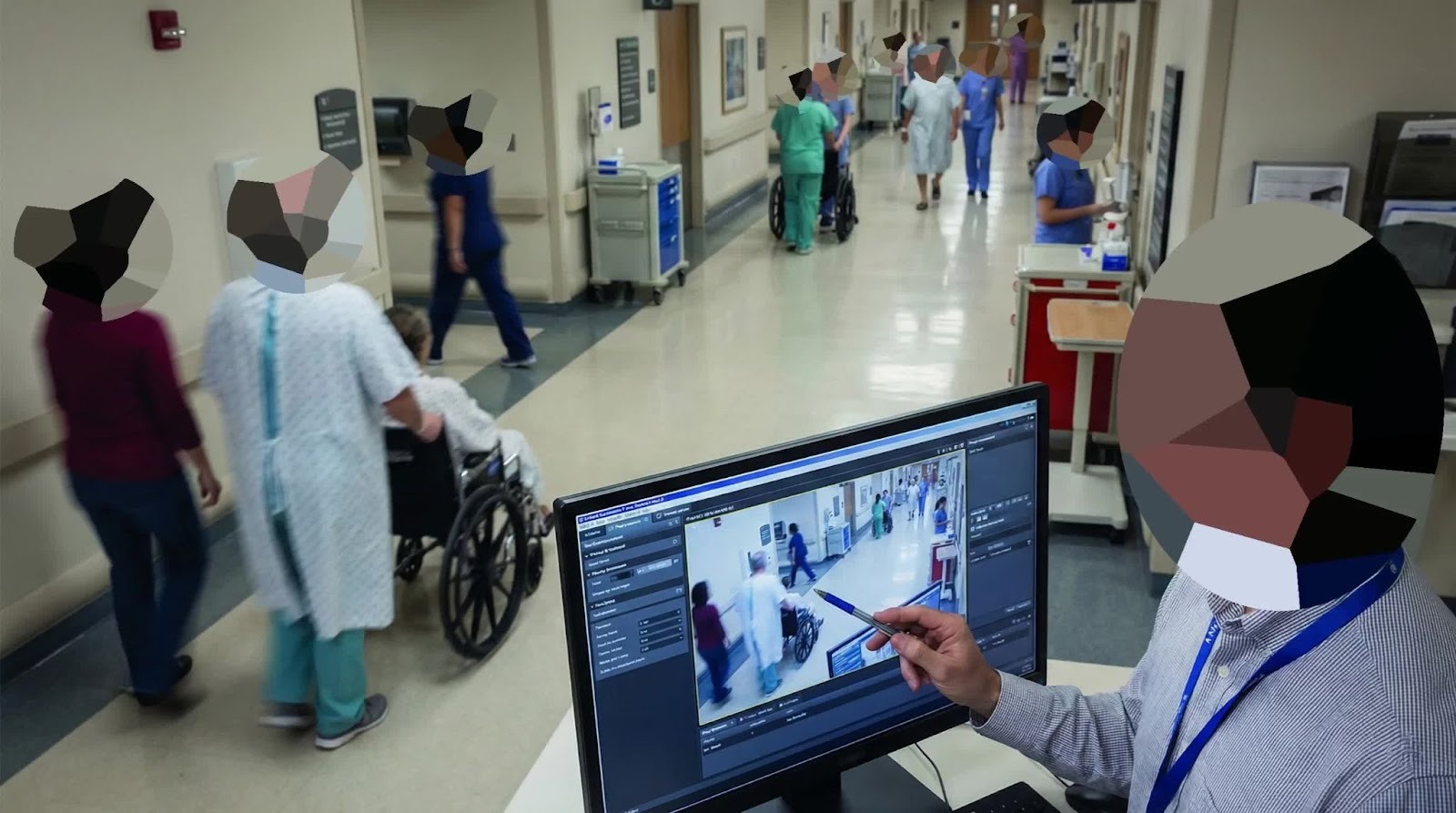
Video is "unstructured data." Unlike a medical record where you can easily black out a line of text, video contains dynamic, moving information. A standard hospital hallway scene is a minefield of potential privacy violations.
What Counts as PHI in Video?
Under HIPAA, Protected Health Information includes any unique identifier that can be linked to a patient's health status. In a video clip, this goes far beyond just faces.
- Faces of Bystanders: Other patients walking in the hall, sitting in wheelchairs, or waiting in the reception area are all protected subjects. Their mere presence in a specialty clinic (e.g., Oncology or Cardiology) is protected medical information.
- Computer Screens: In modern hospitals, "Workstations on Wheels" (WOWs) are everywhere. A security camera often captures high-resolution footage of nurse stations. If a screen is visible in the background, zoom in, can you read a patient list? Can you see a chart? If so, that is a data breach waiting to happen.
- Physical Documents: Whiteboards at nurse stations listing patient names and room numbers, or clipboards held by staff members, are frequent sources of incidental PHI disclosure.
The "Incidental Disclosure" Myth
A common misconception among hospital staff is the idea of "Incidental Disclosure" that if a patient sees another patient while walking in the hall, it’s fine, so seeing them in a video is also fine.
This is false.
The "Incidental Disclosure" rule applies to the unavoidable interactions of daily operations. It does not apply to the permanent record of a video file released for legal or review purposes. Once you export that video to send to a patient's lawyer, it becomes a distinct record. You have the ability to redact it; therefore, you have the obligation to redact it. Failing to do so is negligence.
Visualizing the Risk
Imagine a 10-second clip of a patient slipping in a corridor.
- Subject: The patient falling (Authorized to view).
- Background Left: A nurse entering a code on a keypad (Security risk).
- Background Center: Two other patients discussing treatment (Privacy risk).
- Background Right: A computer monitor displaying the floor census (Data breach).
To release this clip safely, everything except the Subject must be obscured.
Converting Raw Footage to Safe Evidence
You have the raw footage. You know what needs to be hidden. Now comes the execution. Historically, this was the bottleneck that stalled legal requests for weeks.
The Old Way: Frame-by-Frame Editing
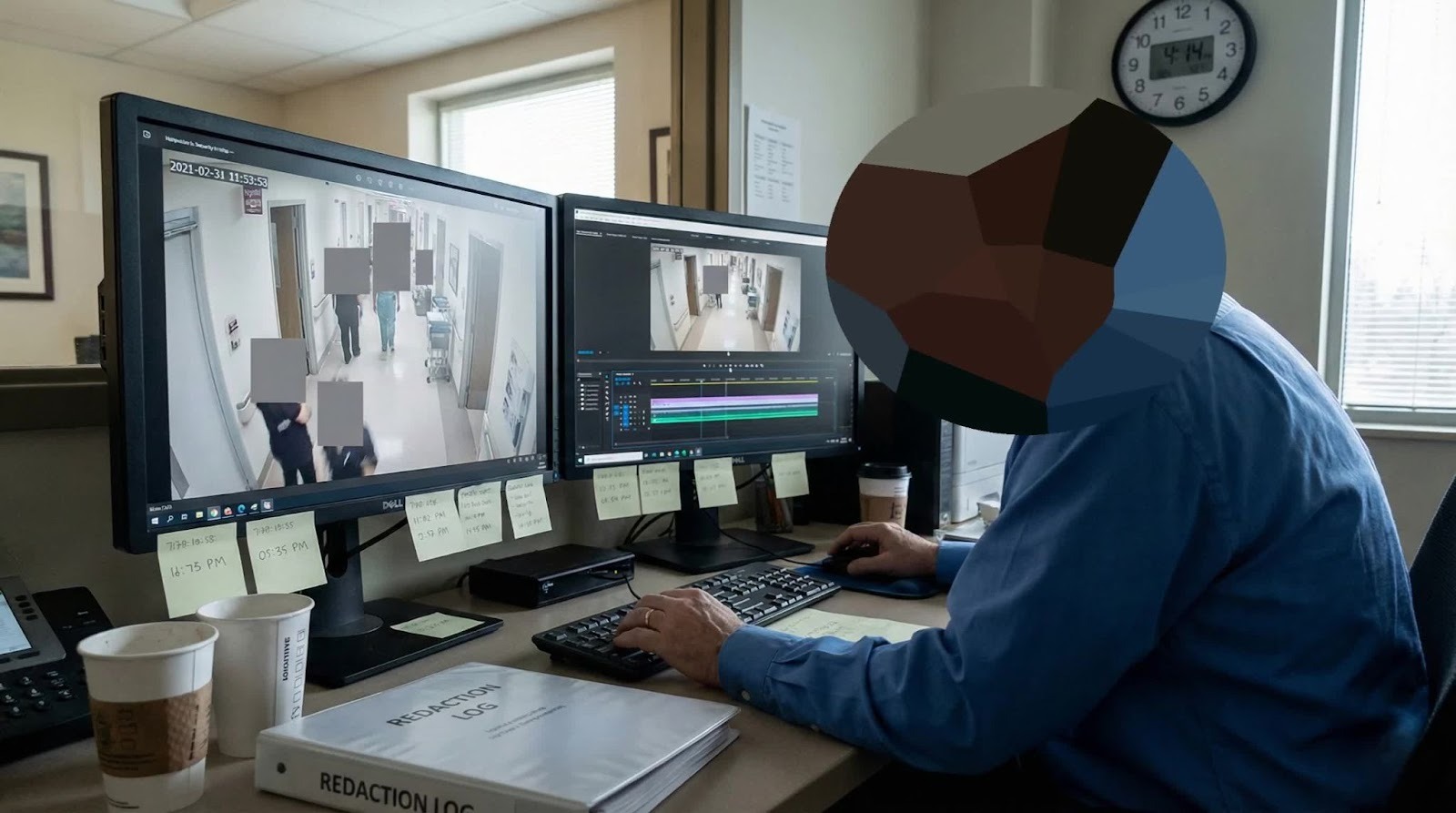
Before AI tools, security teams relied on standard video editing software (like Adobe Premiere or generic CCTV players).
- The Process: A user would have to draw a black box over a face. Then, move forward one frame. Move the box. Move forward one frame. Move the box.
- The Math: Standard video is 30 frames per second (fps). A 5-minute video clip contains 9,000 frames. If there are three people in the background, that is 27,000 individual adjustments.
- The Cost: This process could take an experienced editor 10+ hours for a short clip, costing facilities thousands of dollars in labor or outsourced fees.
The New Standard: AI-Powered Redaction
Modern compliance demands speed and accuracy. This is where Sighthound Redactor comes into play. Instead of manual frame edits, Redactor uses computer vision to "watch" the video and identify objects automatically.
1. Automatic Detection
When you load the footage into Redactor, the AI automatically scans for specific classes of objects: Heads, People, Vehicles, License Plates, IDs, Screens and Documents. Within minutes, the software draws bounding boxes around every detected object.
2. The "Invert Selection" Workflow
For a patient complaint, the goal is usually to show one person and hide everyone else.
- Step A: The user clicks on the "Subject" (the complaining patient) to keep them visible.
- Step B: The user selects "Invert".
- Result: The software automatically applies a blur or opaque mask to every other detected object in the scene. The subject remains clear, while all bystanders are instantly anonymized.
3. Handling "Hard" Objects (Screens and Papers)
AI is incredible at finding faces, but what about that computer screen in the background? Redactor allows for Object Tracking.
- You draw a box around the computer screen in the first frame.
- Redactor’s tracker follows that screen as the camera pans or moves, keeping it covered throughout the video.
4. Full Body Masking vs. Face Blurring
In a hospital setting, blurring a face might not be enough. A patient's gait, clothing, or body shape could be identifiable. Redactor offers "Full Body" detection, allowing you to turn bystanders into amorphous, pixelated shapes, ensuring total anonymity.
Pro Tip: Always choose "Opaque" or high-intensity "Pixelation" for sensitive documents. Standard "Blur" can sometimes be reversed or deciphered if the resolution is high enough.
Audio Redaction
When discussing surveillance, we often fixate on the visual. But in many modern healthcare facilities, security cameras (especially in ERs or intake desks) record audio.
Audio is arguably more dangerous than video.
- The Scenario: The camera captures a visual of an empty hallway. Safe, right? But the microphone captures a doctor in the next room dictating notes: "Mr. Jones in Room 302 has a confirmed diagnosis of..."
- The Violation: If you release that video file without scrubbing the audio, you have just committed a HIPAA breach, even if no one is visible on screen.
How to Redact Audio
Redactor tools treat audio with the same seriousness as video.
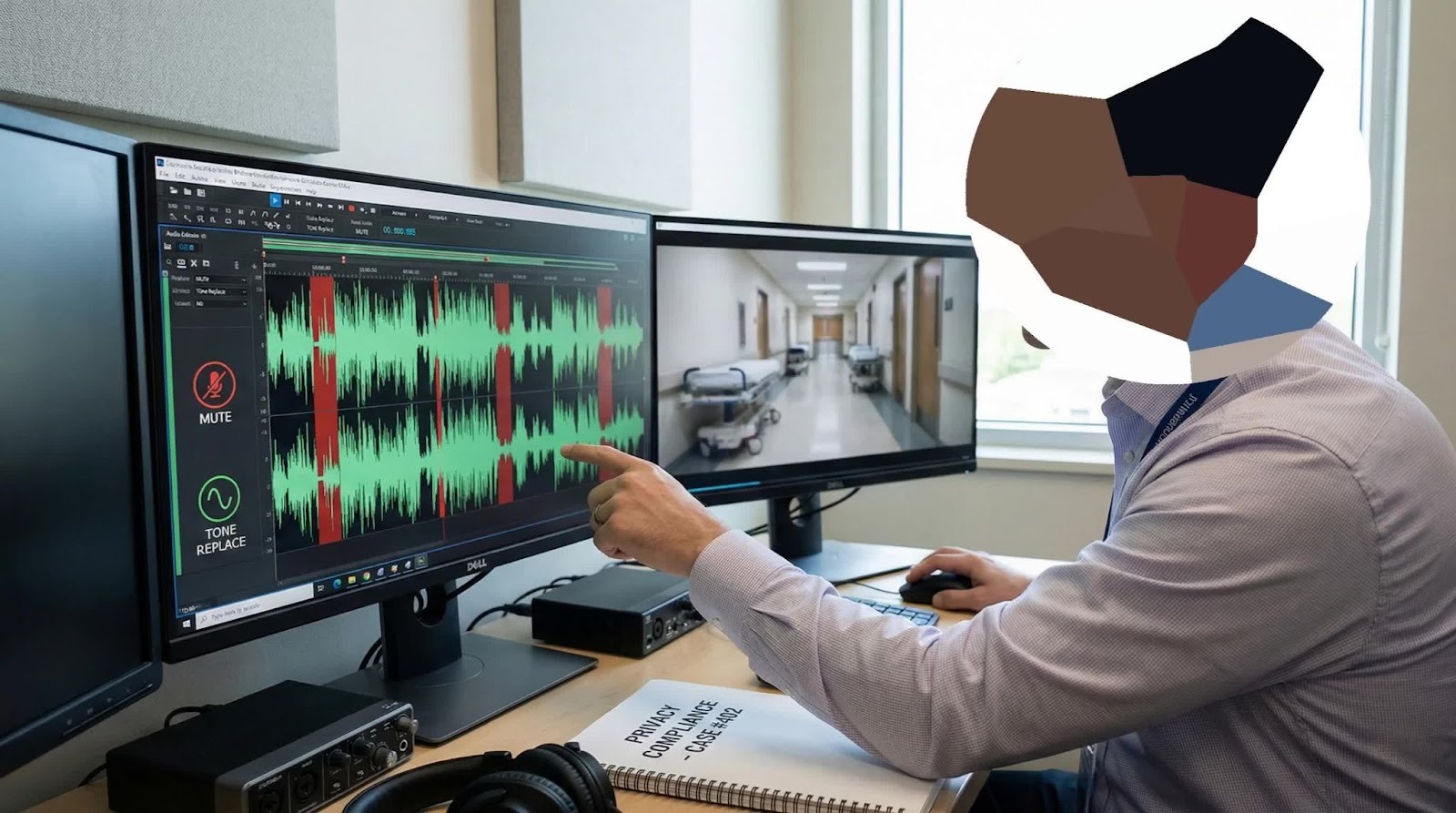
- Visual Waveform and Transcription: The software displays the audio track as a waveform, making it easy to see where loud spikes (speech) occur. Or you can also use the Audio Transcription feature to transcribe audio into text, and search your desired segments or words to redact.
- Mute Sections: You can select specific timestamps to mute. For example, mute the background conversation while keeping the sound of the patient falling (the "thud") audible, as that helps prove the severity of the impact.
- Tone/Beep: Replace sensitive names or diagnosis words with a standard 1kHz tone (the classic "bleep") to clearly indicate that information was redacted, maintaining the integrity of the record.
Do not overlook this step. A good rule of thumb for security directors: If the audio isn't critical to the evidence, mute the entire track. It eliminates risk entirely.
Secure Release and Chain of Custody
You have successfully preserved the footage and redacted all bystander PHI. The file is now a sanitized, compliant piece of evidence. The final hurdle is delivering it to the requestor without breaking the chain of custody.
The "New" Original
When you save the redacted video, you are creating a new digital asset.
- Never overwrite the original. You must keep the raw, unredacted master file in your secure archive (indefinitely, or until the statute of limitations expires).
- Label clearly. Naming conventions matter.
- Raw: 2023-10-12_Cam04_Raw_Master.mp4
- Redacted: 2023-10-12_Cam04_Redacted_Release_v1.mp4
Audit Logs
If this footage goes to court, a defense attorney might ask, "How do we know you didn't edit out the wet floor sign?" This is why professional redaction software generates an Audit Log. This report documents:
- Who performed the redaction.
- What settings were used (e.g., "Blur Faces").
- Timestamps of edits.
- Confirmation that no frames were removed or timelines altered.
Secure Delivery Methods
How do you get a 500MB video file to a patient's lawyer?
- Physical Media: Encrypted USB drives are a classic method, but they can be lost in the mail.
- Secure Cloud Link: The industry standard is now a secure, password-protected download link with an expiration date (e.g., 48 hours). This allows you to track exactly when the file was downloaded and by whom.
Conclusion
For many security teams, a patient complaint feels like a crisis. It disrupts operations, triggers fear of liability, and creates administrative headaches. But it doesn't have to be that way.
When you view surveillance footage through the lens of a structured workflow Preserve, Assess, Redact, Release the panic subsides. You are no longer scrambling; you are executing a professional protocol.
The growth of video data continues. Cameras are higher definition, storage is cheaper, and the public demand for answers is louder.
Using Sighthound Redactor with an API-based architecture grows fast, consistently, and cost-effectively.
Key Features & Benefits
- Fully automated video & image Redaction – Redactor automatically blurs heads, vehicles, license plates, documents, ID cards, and digital screens (laptops, phones) protecting privacy while keeping footage usable for security teams.
- On-Device AI Processing – All video is processed locally on edge cameras, avoiding cloud uploads and reducing data breach risks, ideal for compliance with GDPR, FERPA, CCPA, and COPPA.
- Easy Integration – Works with most existing camera systems, with a robust API and customizable presets, making deployment quick, affordable, and disruption-free.
- Edge & Cloud Deployment – Run redaction on-premises for security-critical environments or in the cloud for maximum efficiency.
- Inverse Redaction – Allows you to keep a specific subject visible while automatically blurring the entire background ideal for public transparency and focusing on key evidence.
- Forensic Audit Trails – Secures the chain of custody with detailed logs of every edit and user action, ensuring the footage remains court-admissible.
Published on: