
By:
Haris RanaLast Updated:
TL;DR
Use object redaction when the review question is, “What should be hidden?” Use background redaction when the review question is, “What is the only thing that should stay visible?” Inverse redaction, Keep Unredacted, and “redact everything except” often describe the same reviewer goal. A mixed workflow can handle known sensitive objects and high risk background context. Final export review still matters, especially for privacy, public records, legal, and compliance work.
Background redaction vs object redaction is a release decision, not just a software setting. Reviewers need to decide whether specific items should disappear or whether only one approved subject should remain visible. This guide turns that choice into a practical review framework.
TL;DR
- Use object redaction when the review question is, “What should be hidden?”
- Use background redaction when the review question is, “What is the only thing that should stay visible?”
- Inverse redaction, Keep Unredacted, and “redact everything except” often describe the same reviewer goal.
- A mixed workflow can handle known sensitive objects and high-risk background context.
- Final export review still matters, especially for privacy, public-records, legal, and compliance work.
What is object redaction?
Object redaction is the hide-this-item workflow in this guide. It fits reviews where the scene can remain useful, but selected visible items should not appear in the released file.
Think about the release purpose first. A reviewer may need the road, doorway, timeline, or action to remain clear, while plates, heads, documents, or screens need protection. That first question is usually not technical; it is, “Which parts are safe to show?”
Object redaction is easier to assign when the sensitive items are specific and countable. Your team can mark items, review the Objects list, and check the result before export.
Key point: Redactor combines Smart Redaction (AI auto-detection) with Custom Redaction (manual drawing tools).
For a product-level view of automated and manual review options, keep the Redactor Smart Redaction features page near your workflow notes. Use the Redactor overview when a reviewer needs a plain-language orientation before comparing redaction approaches.
What is background redaction?
Background redaction is the keep-this-visible workflow. It fits reviews where the surrounding scene carries privacy or disclosure risk.
This choice matters when the background is not neutral. A crowd, clinic room, school hallway, office screen, private residence, or bystander area can reveal more than the subject of interest. In those files, the better review question may be whether to choose what to hide or choose the only thing to keep visible.
Redactor Background Redaction redacts the broader scene while selected objects remain visible. That makes background redaction useful when the intended release should keep one person visible or keep one approved subject visible.
Key point: Redactor Background Redaction uses the As background and Keep unredacted controls.

A records reviewer can pair that decision with the Freedom of Information Act text when public release is part of the review. If personal privacy is a factor, keep the Justice Department Exemption 6 guide in the review packet rather than treating the visual edit as the policy decision.
Is background redaction the same as inverse redaction?
In many review conversations, yes. Background redaction describes the result, while inverse redaction describes the logic: redact everything except the approved subject.
Terminology creates friction because teams describe the same outcome from different angles. A requester may say “inverse redaction.” A reviewer may say “keep one person visible.” A product workflow may use Keep Unredacted. The practical decision is the same: identify what remains visible and protect the rest.
Redactor supports a workflow for redacting everything except selected subjects. The As background setting marks an object as the base redaction layer. The Keep unredacted setting keeps selected objects visible during export when background redaction is applied.
For interface details, use the Redactor documentation while building reviewer instructions. The Redactor demo video can also help reviewers align shared vocabulary before they handle a sensitive file.
When should you use object redaction or background redaction?
Use object redaction when most of the scene can remain visible; use background redaction when the scene itself should be protected. The difference is the release boundary.
Use these decision criteria before editing:
- Decide what the viewer needs to understand.
- Identify the subjects or details that should not appear.
- Ask whether the background adds necessary context.
- Check whether a missed item would create disclosure risk.
- Choose the method that protects the release boundary.
Object redaction fits files where the background provides context. A dashcam review may need lanes, motion, and traffic behavior. A workplace review may need the incident area. A screen-capture review may need the general task flow, while selected IDs, screens, or documents are hidden.
Background redaction fits files where context creates risk. A crowded lobby, classroom, medical-adjacent setting, or private interior may include details the audience does not need. In those cases, your team may decide to show only the approved subject and remove the rest from view.
Public-records reviewers can separate visual edits from policy review by keeping the Freedom of Information Act text with the case file.
Can a review workflow use both?
Yes. A single file can need object redaction for known sensitive items and background redaction for selected-subject release.
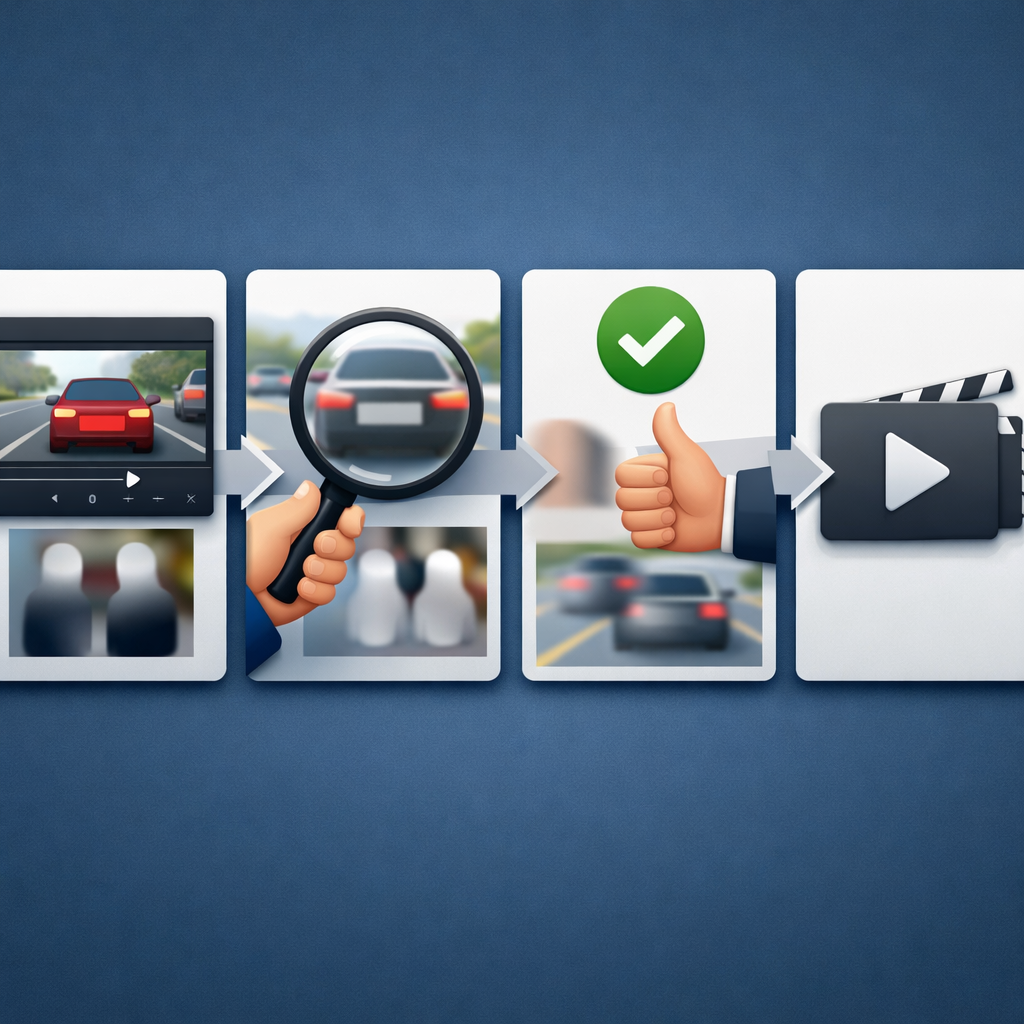
A practical combined workflow looks like this:
- Define the release purpose.
- Decide what must remain visible.
- Run Auto Detect for known object categories.
- Review the Objects list.
- Add manual adjustments where needed.
- Apply Background Redaction when only selected subjects should remain visible.
- Use Render & Export.
- Review the exported file before release.
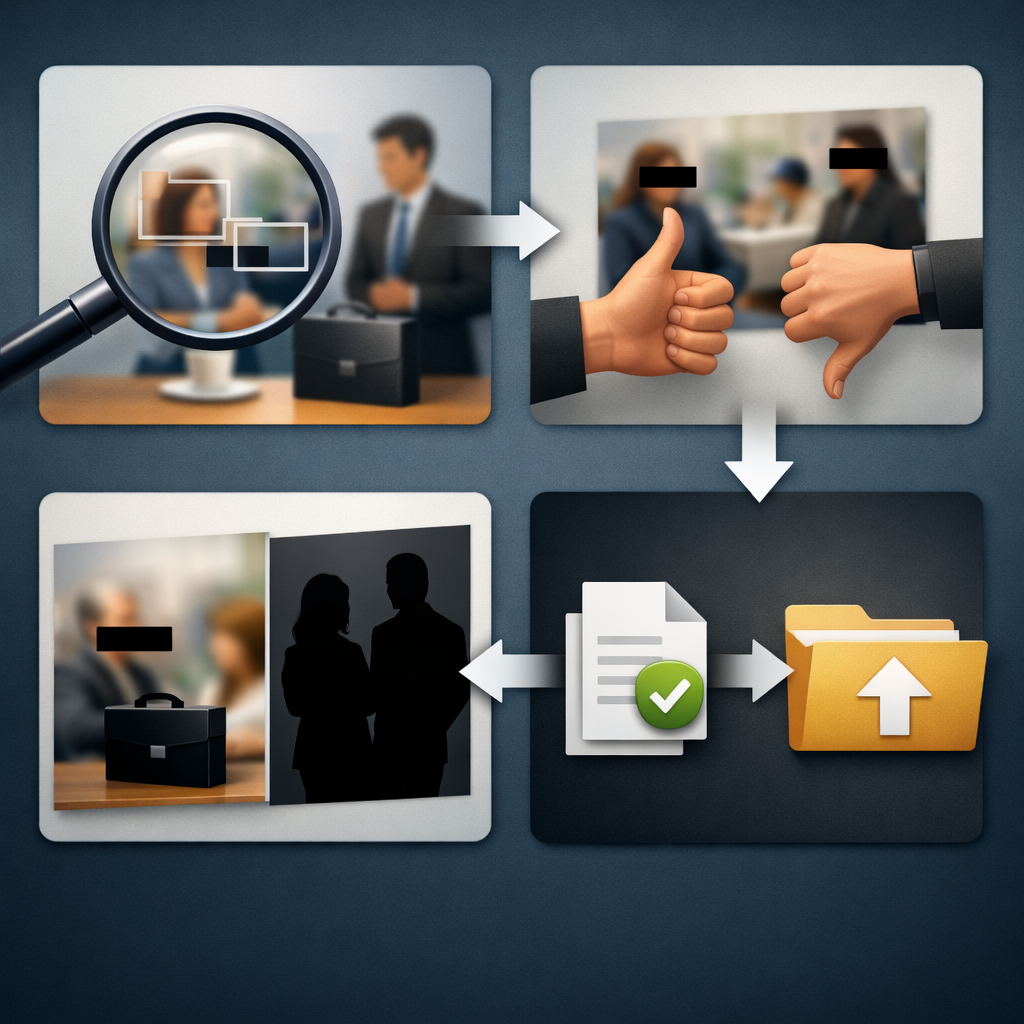
This sequence helps when footage includes both predictable objects and risky context. For example, a file may include heads, screens, documents, and a private room. Object redaction can address the known items; background redaction can protect the broader scene when the room should not remain visible.
Key point: Redactor detects heads (not faces) — it does not identify individuals.
For workflow maintenance, compare reviewer instructions with the Redactor documentation and keep product-change checks tied to the Redactor release notes. If a team is still deciding whether the workflow fits its review queue, use the Redactor free-trial page for evaluation details.
How Redactor helps
Redactor gives reviewers one workflow for media redaction decisions across video, image, and audio files. Sighthound Redactor is artificial intelligence (AI)-powered video, image, and audio redaction software.
Auto Detect offers seven object types in this UI order: Heads, People, License Plates, Vehicles, IDs, Screens, and Documents. Render & Export visual redaction types are Mosaic, Pixelate, Blur, Outline, Fill, and Smart Fill.
Redactor runs on Windows, Linux, and Docker. Redactor runs fully offline and supports air-gapped deployment; no internet access is required for processing. Redactor is used to prepare footage for Freedom of Information Act (FOIA) release, subpoena response, discovery, and public-records disclosure.
For hands-on review planning, compare the Redactor Smart Redaction features page with your release checklist. The Redactor overview can orient stakeholders, while Redactor documentation should guide reviewer steps. Redactor offers a 24-hour free trial with full feature access and no credit card required.
Legal Disclaimer
Redactor is tooling; compliance is the customer's responsibility, and Sighthound content is informational and not legal advice.
Key Takeaways
- Object redaction starts with the items that should be hidden.
- Background redaction starts with the subject that should remain visible.
- Inverse redaction and “redact everything except” often describe a keep-visible decision.
- Mixed workflows help when a file contains known sensitive objects and risky context.
- Compliance review should stay separate from the visual editing step.
FAQ
1. Is background redaction the same as inverse redaction?
Often, yes. In review language, inverse redaction usually means “redact everything except” selected subjects. Background redaction describes the visible result, while inverse redaction describes the selection logic.
2. Is object redaction better than background redaction?
Neither method is automatically better. Object redaction fits files where most context can remain visible. Background redaction fits files where only one approved subject, object, or area should remain visible.
3. When should I use object redaction?
Use object redaction when the sensitive items are specific, reviewable, and limited enough to check before export. It works best when the surrounding scene still has release value.
4. When should I use background redaction?
Use background redaction when the broader scene is the risk. It helps when bystanders, interiors, screens, documents, or sensitive locations should not remain visible.
5. Does redaction remove the need for review?
No. Redaction is part of the release workflow, not a substitute for review. A reviewer should check the export against the release purpose and internal policy before sharing.
Sources
- Redactor Smart Redaction features
- Redactor documentation
- Freedom of Information Act text
- Justice Department Exemption 6 guide
- HHS HIPAA Privacy Rule overview
What to do next
Published on: